How to print on playing cards
Ebook by Alex Robertson

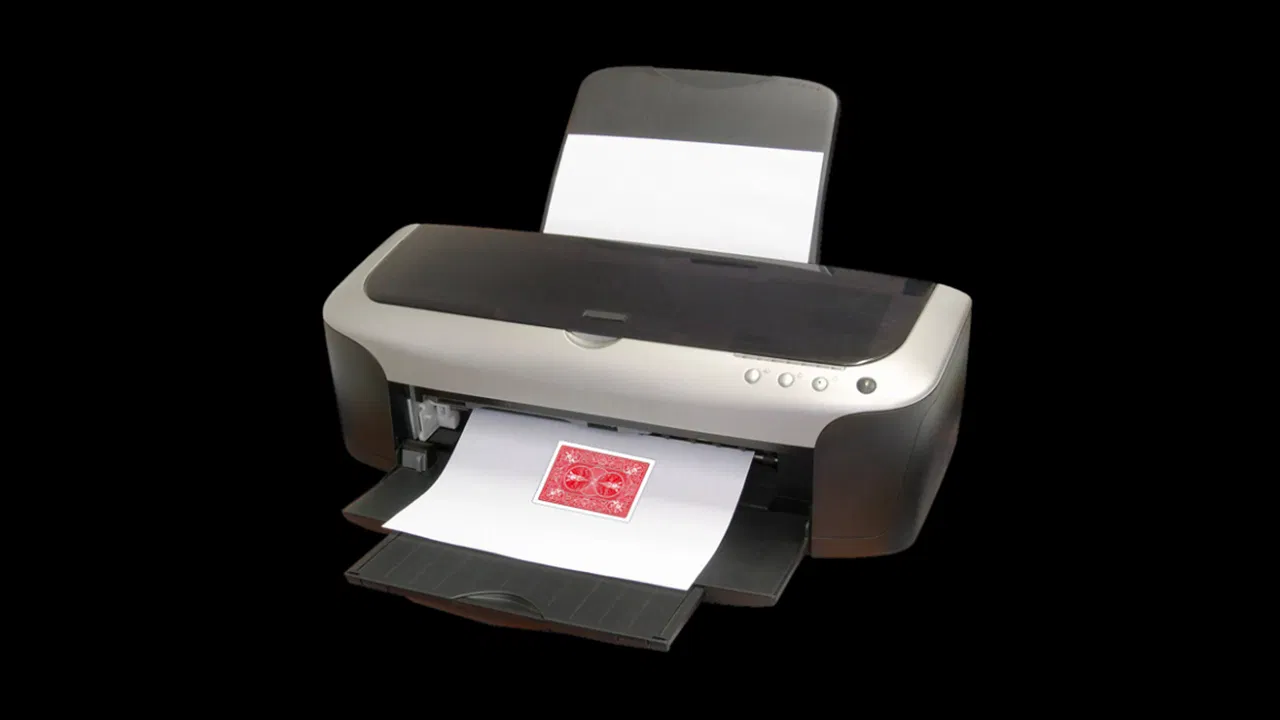

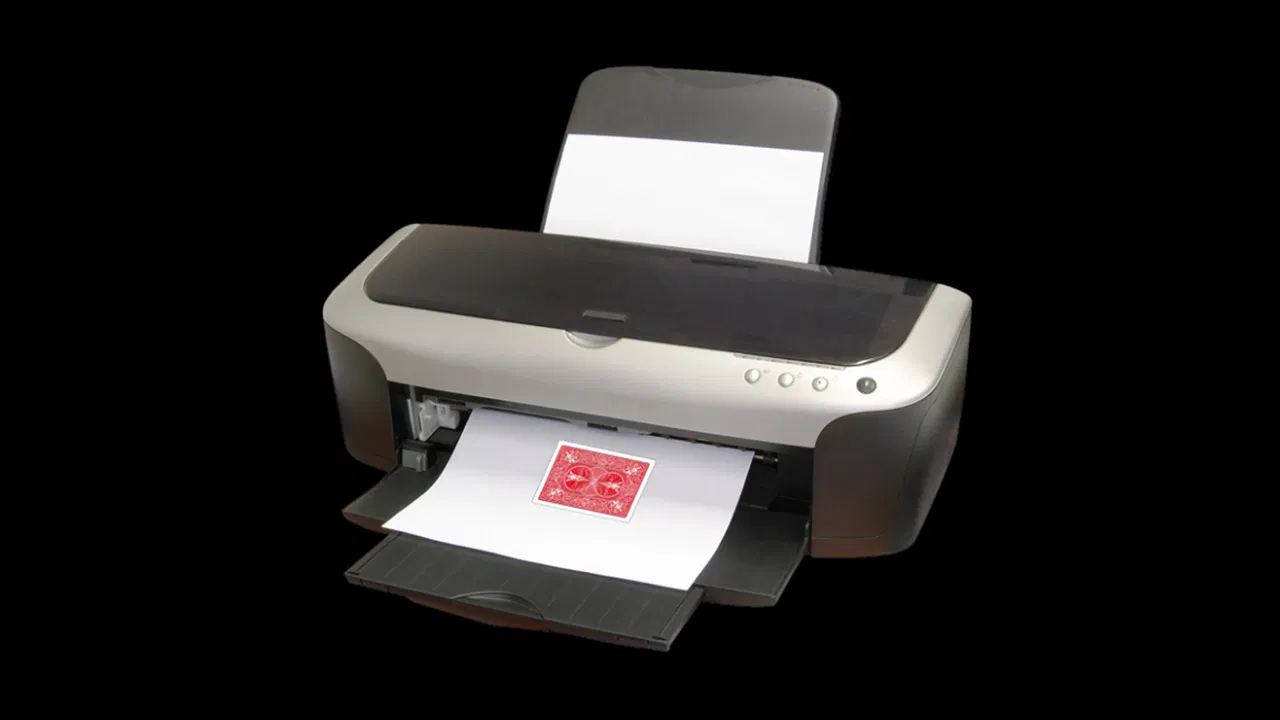
How to print on playing cards
Price: £0.00Free
Delivered digitally. Prices shown include VAT where applicable. See our returns policy for details.
Download for free nowEver wanted to create your own playing card gaffs without having for fork out on expensive print runs?
Well, Alex Robertson has a solution for you. This handy guide (and accompanying templates) give you all you need to print onto playing cards using your home printer.
Includes instructional PDF, Photoshop file, and templates.
Customer reviews for How to print on playing cards

Great product helped me create my own gimmicks!

Steven
This is amazing for creating your own gaffs and gimmicks. This also a great way to create special playing cards that make great reveals. This is also a nice way to test out and see if your playing card design is good.

Piers
This is amazing.Ever wanted to create your own playing card gaffs without having for fork out on expensive print runs?
Well, Alex Robertson has a solution for you. This handy guide (and accompanying templates) give you all you need to print onto playing cards using your home printer.
Includes instructional PDF, Photoshop file, and templates.
Well, Alex Robertson has a solution for you. This handy guide (and accompanying templates) give you all you need to print onto playing cards using your home printer.
Includes instructional PDF, Photoshop file, and templates.

Phillip
This is an excellent how-to for printing your own cards. Here are my comments.
(1) Pay attention, as the pdf says, when printing your "black border" page. The cut out it is not in the center of the page so mark which side is the "top" or the side that is closest to the printer feed as your case may be.
(2) As for the sealing with an acrylic matte sealer, be aware that this will essentially rough your cards. I made up a packet trick (Max Maven's "French Active") that requires a glide. The matte spray makes that impossible. I solved it by using fanning powder. Just be aware.
(3) In the past I have used acetone to remove the varnish from USPCC blank cards. That helps with the ink adhering to the cards. There are sellers who carry bottles of the actual card varnish which can then be used to reseal the cards.
(1) Pay attention, as the pdf says, when printing your "black border" page. The cut out it is not in the center of the page so mark which side is the "top" or the side that is closest to the printer feed as your case may be.
(2) As for the sealing with an acrylic matte sealer, be aware that this will essentially rough your cards. I made up a packet trick (Max Maven's "French Active") that requires a glide. The matte spray makes that impossible. I solved it by using fanning powder. Just be aware.
(3) In the past I have used acetone to remove the varnish from USPCC blank cards. That helps with the ink adhering to the cards. There are sellers who carry bottles of the actual card varnish which can then be used to reseal the cards.

minjun
it's so good idea but it is free!

Luciano
With this instructions, you will be able to easily make your own gaffed cards. Besides the printing method, Alex also presents some safety concerns and other hints that might make you save time, cards and ink. So if you have any idea that requires custom cards, you should give a look on this material, since it's free, you get templates, and you will not risk getting it wrong by trying it by yourself.

Graham
Good book that teaches and efficient method for creating your own gimmicks and your own gimmicked decks. This allows you to customize your deck to fit any effect.

Micah
This is a great download. You get some files for black borders and a picture. You also get a six page ebook with the instructions on it. If you want to print your own playing cards and want to make gaffed cards then I would recommend this download.

Oliver
Saved alot of money reading this, it made it so I can have gaff cards without paying alot. If you work with cards get this as it helped me and will probably help you too. Highly recommended book, get it now!

Gerald
Actually apart from needing to pay more for expensive custom card gaffs, they are hard to find! IT is not easy to find someone that offers the service. Therefore, this book is great in helping someone who wants to create their own gaffs, to perhaps try to print it themselves.

Neeraj
An amazingly awesome downloadable guide to print your own playing cards on a printer. Comes with a template and all the information that you would require to create your own gaffs for tricks or just for fun. A must have for any enthusiast or a magician alike.

Omar
Very cool idea. Very detailed instructions. I would prefer video though

Christoph
Great tutorial, great templates. It works perfectly. Thank you very much, Alex.

James
This is a extreamly nice and free tutorial on how to make your own gaff cards. Not much to say other than take your time, and you wont be disappointed with your first set of custom playing cards.

Alexei
This is an excellent tutorial designed to jump start the card printing process. I found the pdf as well as the PhotoShop files to be extremely easy to access and use. The results will depend on the printer (laser vs ink). Admittedly, printing the back of the card design has not yielded a good looking card; but printing the front has been easier. Overall, I would recommend this set of files.

TDog
This takes time, effort and money to do well. With that being said, it is a confusing process if attempting to do this without any assistance or knowledge. I am thankful that this instructional PDF was created as it was pretty helpful for me. I wanted to try out a few gaff card ideas and preferred the process of making it myself as well as experimenting. I think that this is a pretty essential skill to learn/understand and this process outlined was easy to follow.

Nate
This is a great tutorial! Tons of time and energy clearly went into the research and write up.

Christopher
This is so interesting, as soon as I saw it, I had to add it to my downloads. The instructions are very clear. Not long-winded and not skimpy on information. Photos are clear, and I can imagine the many impossible effects I could create if I had the skill to print my own playing cards. I am looking forward to using the information in this tutorial! It's much appreciated!