AnyWeb 2
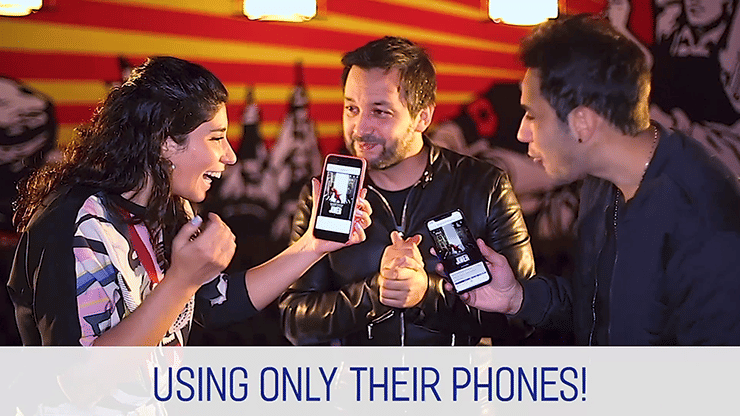
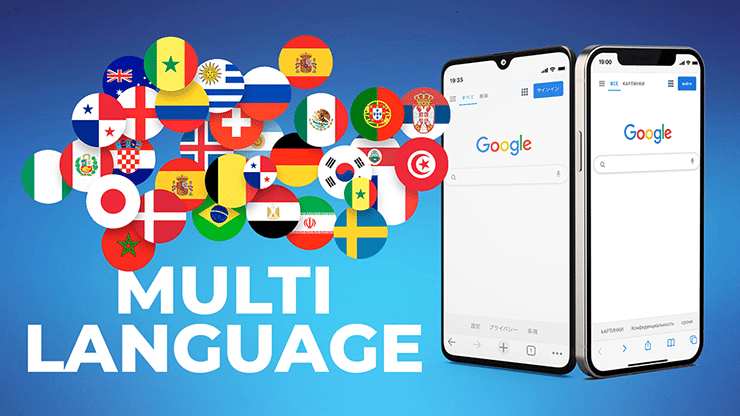
Easily force an image using a borrowed phone.
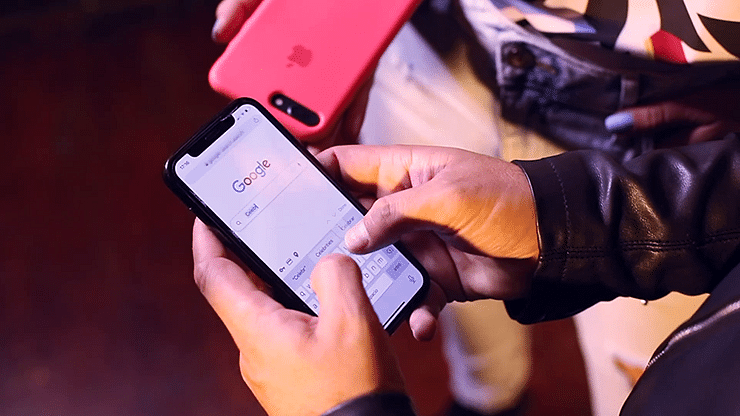
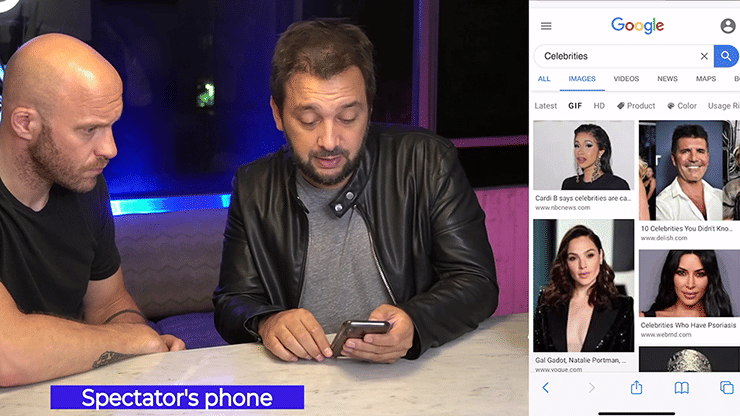
"AnyWeb 2" allows you access a normal-looking "Google" page on your spectator's phone. From this page, you can force an image using a simple Google search. It's super easy to perform. The magic app takes care of all the work for you.
You'll be ready to perform just a few minutes after reviewing the in-app instructions. "AnyWeb 2" is ideal for anyone from beginner magicians to seasoned professionals.
"AnyWeb 2" works on iOS and Android phones, as well as iPads and tablets. It is also multi-language and can detect up to 40 languages. You can add up to 9 images to force on the gimmicked Google page. It's perfect for everything from close up magic to street magic, parlor magic or even stage magic.
FAQ
What is the Difference Between "AnyWeb" and "AnyWeb 2"?
"AnyWeb 2" is not an update on the original "AnyWeb", but rather an entirely different product. If you own "AnyWeb 1", you'll still need to buy a separate license for "AnyWeb 2."
"AnyWeb 1" was a magic browser that allowed you to force anything with Google, Google Maps, Amazon, Netflix etc. However, you always needed to use the app on YOUR phone. With "AnyWeb 2", you can force an image on Google using ANY phone. Sure, you can still use it on your phone too, but the real magic is being able to make it work on a spectator's phone. It really amplifies the impossibility.
The gimmicked Google page can be easily and quickly accessed. Since it looks identical to the real Google, your spectators will never suspect a thing.
Are there any traces of the effect left on the spectator's phone?
The instructions cover how to quickly redirect to the real Google once the effect is done. However, the secret URL you used will remain in their browser history. It's unlikely that anyone will notice this. But, if they do, they won't know what they're looking at because "AnyWeb 2" requires a unique pin code to be activated and the URL itself doesn't have any identifying features.
Customer reviews for AnyWeb 2

Plenty of pre-saved forces are available (which you can customize). But I really love the option of an impromptu force--a lot of possibilities with that.
And it's true that you don't need your phone at all. You could leave it at home if you want.

I'd rate this pretty good. I have had a few glitches when the wrong image is forced.
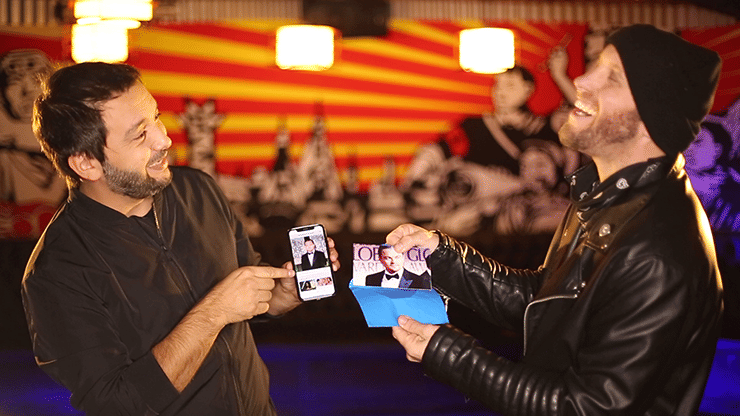
It's a pretty great plot to be able to get a spectator to randomly select a Google image on their phone and be able to show that you've Googled the same on yours, or predicted that image before hand.
It's fully customizable so good for being able to tailer a trick to a bespoke client, or event.
There's endless possibilities dependent on your creativity. You do need to come up with a reasonable excuse for holding their phone for a moment, but again with enough creativity you can handle that.